Building and controlling the bot
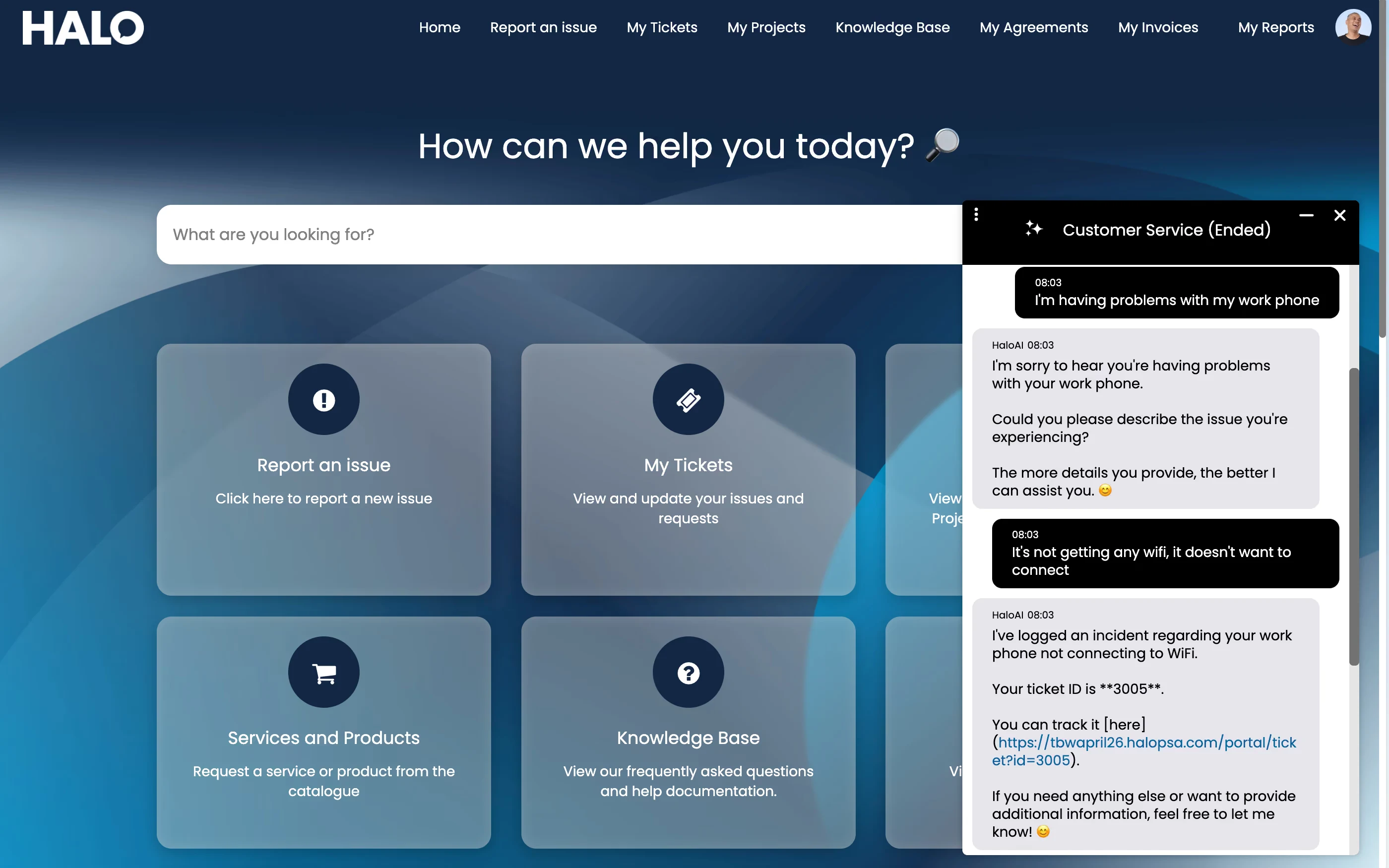
A virtual agent starts with an AI connection — Halo's own built-in OpenAI connection, free to use, or your own OpenAI or Azure OpenAI deployment if you want control over where the data goes. From there, an Instructions field (or a Prompt ID, if you're referencing a prompt already configured in your own OpenAI environment) sets its persona and rules — Halo recommends the Responses API, since the Assistants API is being deprecated in August 2026.
A Chat Profile controls access — restricted to authenticated portal users, or open to anyone — and Working Hours, so the bot only offers itself during a configured Workday rather than leaving customers talking to an empty loop overnight.
Each step is configured individually, like a Halo workflow — send a message, search the knowledge base, log a ticket, start live chat, end the chat — so scripted steps and the AI-driven virtual agent step can sit in the same flow. A start-step override lets an embedded widget open straight at a specific step, e.g. a "Track my order" link on your site jumping directly to ticket status.
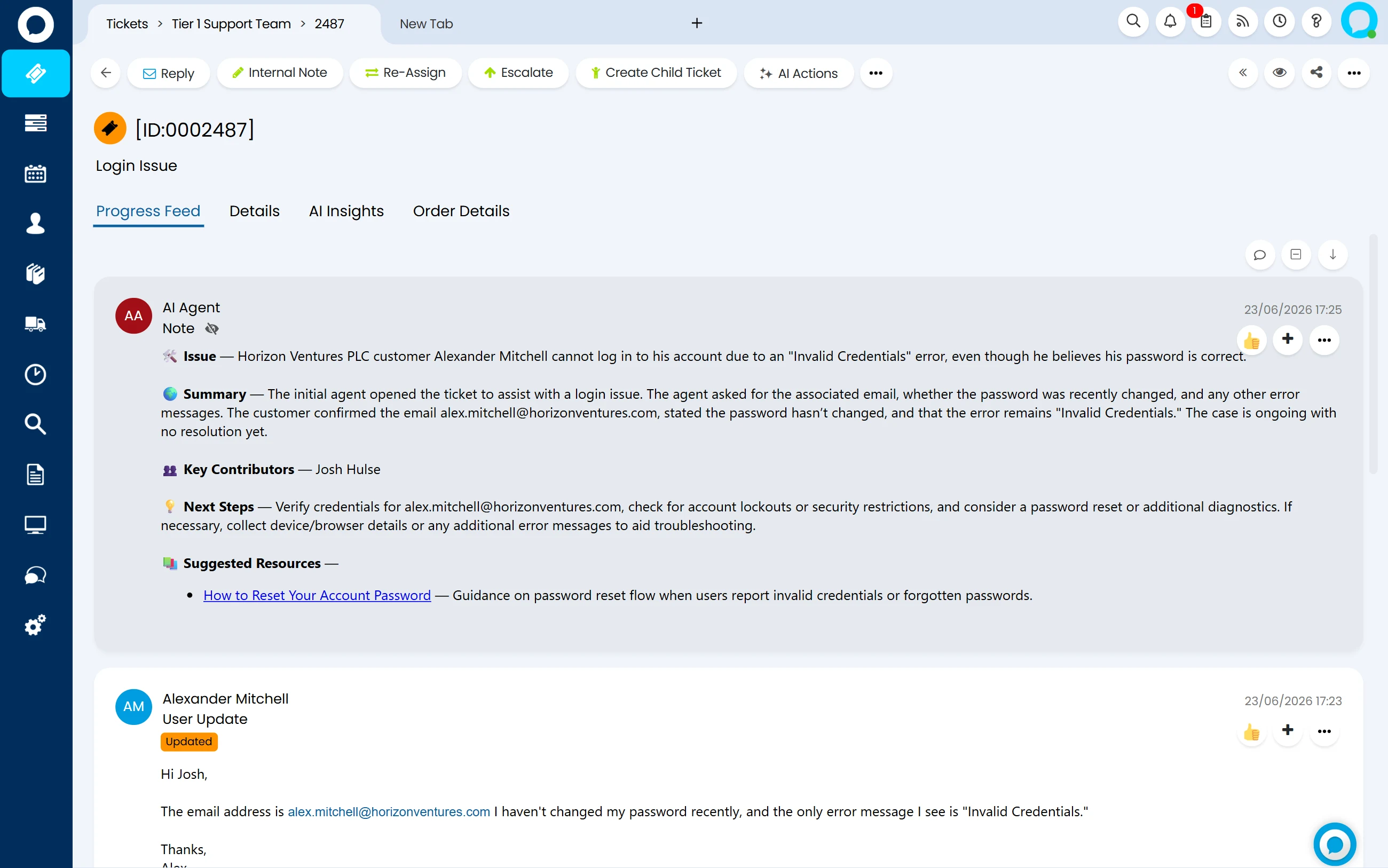
When the answer isn't in your knowledge base, a custom virtual agent can be configured to search the web via a runbook rather than saying "I don't know." Runbooks can also trigger from any chat step, running an automation and steering the conversation on the result — kept short, since the chat pauses until the runbook finishes.